MANUFACTURER LIBRARY
Official files & access
Files open on the manufacturer's website in their original language. Check the model and revision before use.
Reference documentation does not verify the identity, condition or package contents of an individual unit.
01 / SOFTWARE
Hardware & firmware
Identify FIC6 or FIC8 from the actual label, then record the firmware and existing tuning-software release. Do not assume the same release and pinout cover both units.
02 / SOFTWARE
Computer & driver requirements
Provide the computer operating system, architecture, cable / adapter and installed driver. Historical Windows information does not establish support for a current system.
03 / SOFTWARE
Versions & compatibility
Confirm the FICTuner release for the identified hardware and firmware. Historical software or printed instructions should be matched to the unit before use. No currently supported release is asserted without that check.
04 / SOFTWARE
Required connection
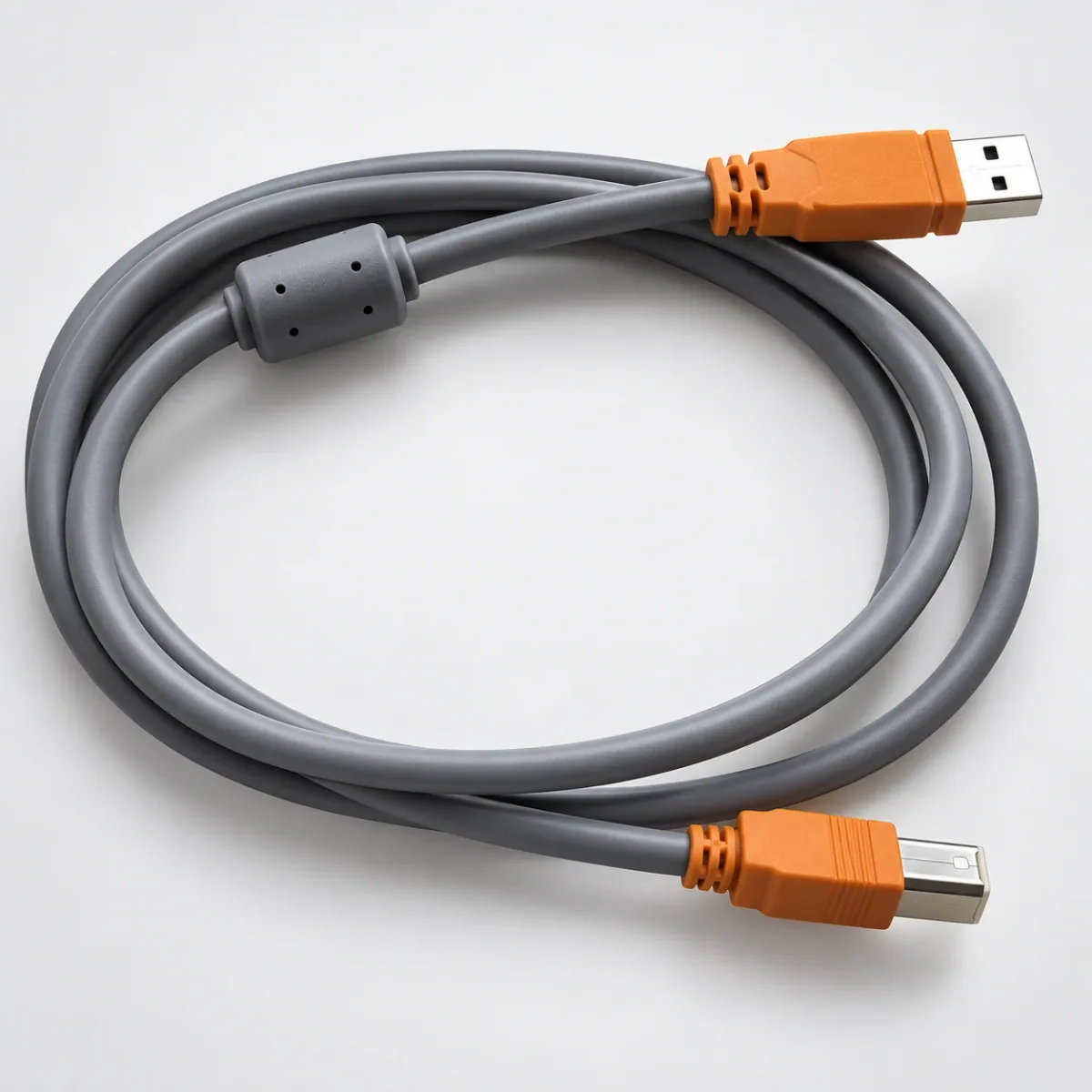
Identify the ECU-side port, cable pinout, electrical level and computer-side interface. An FIC / e-Manage cable title alone does not confirm support for each controller revision.
05 / SOFTWARE
Access & physical delivery
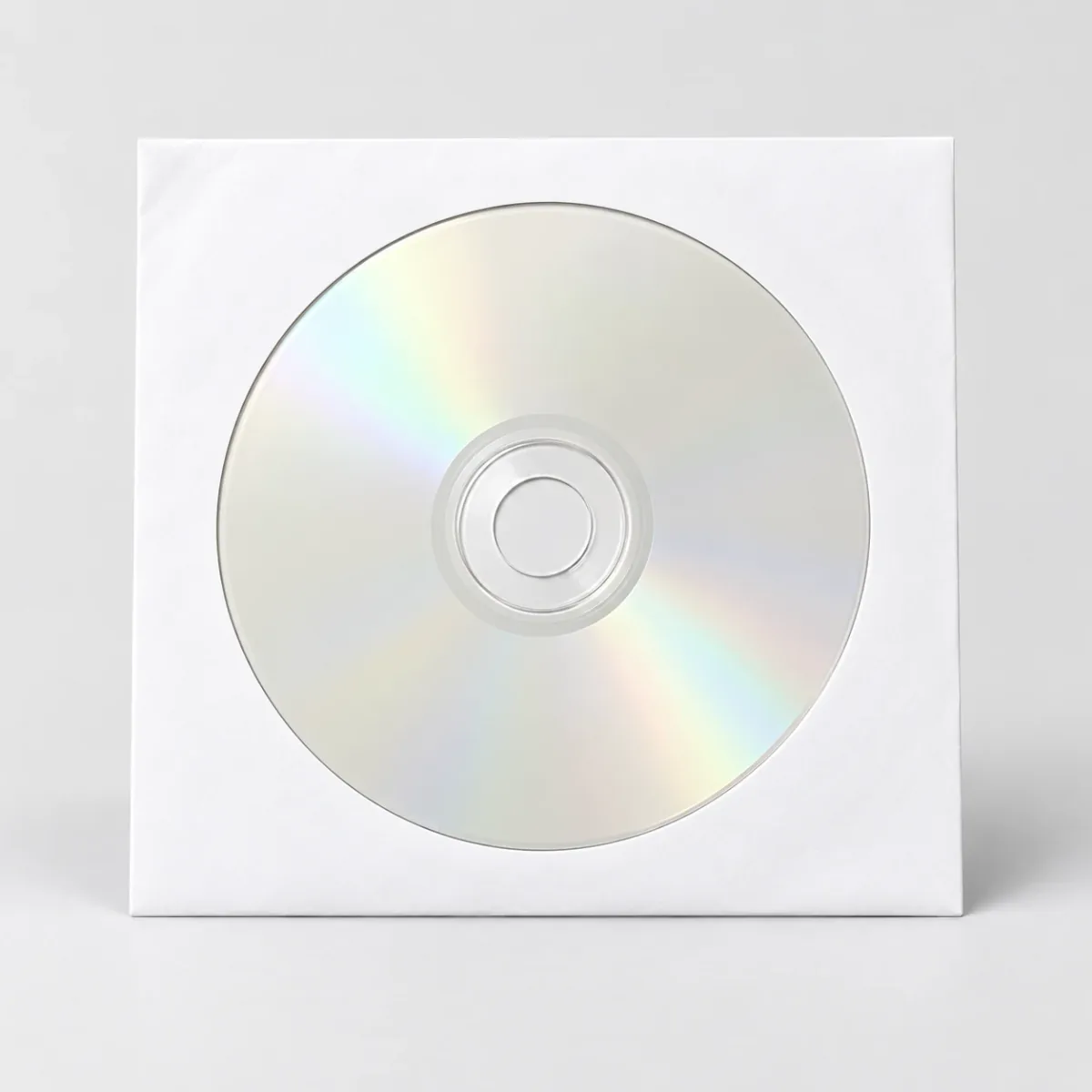
Ask about the matching software release and its usage conditions. The FIC software CD is a separate physical catalog item. This page does not supply a software installer or license.