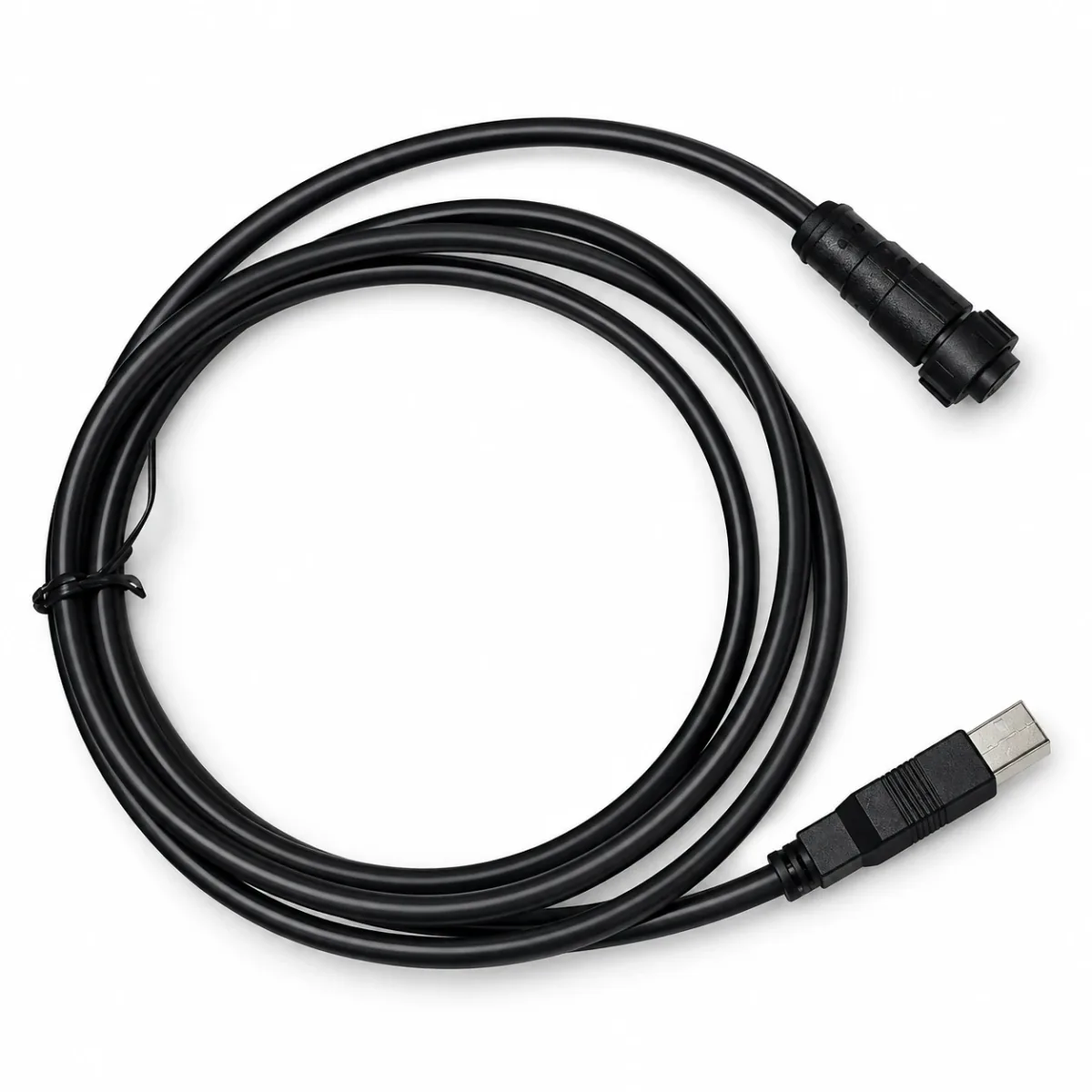
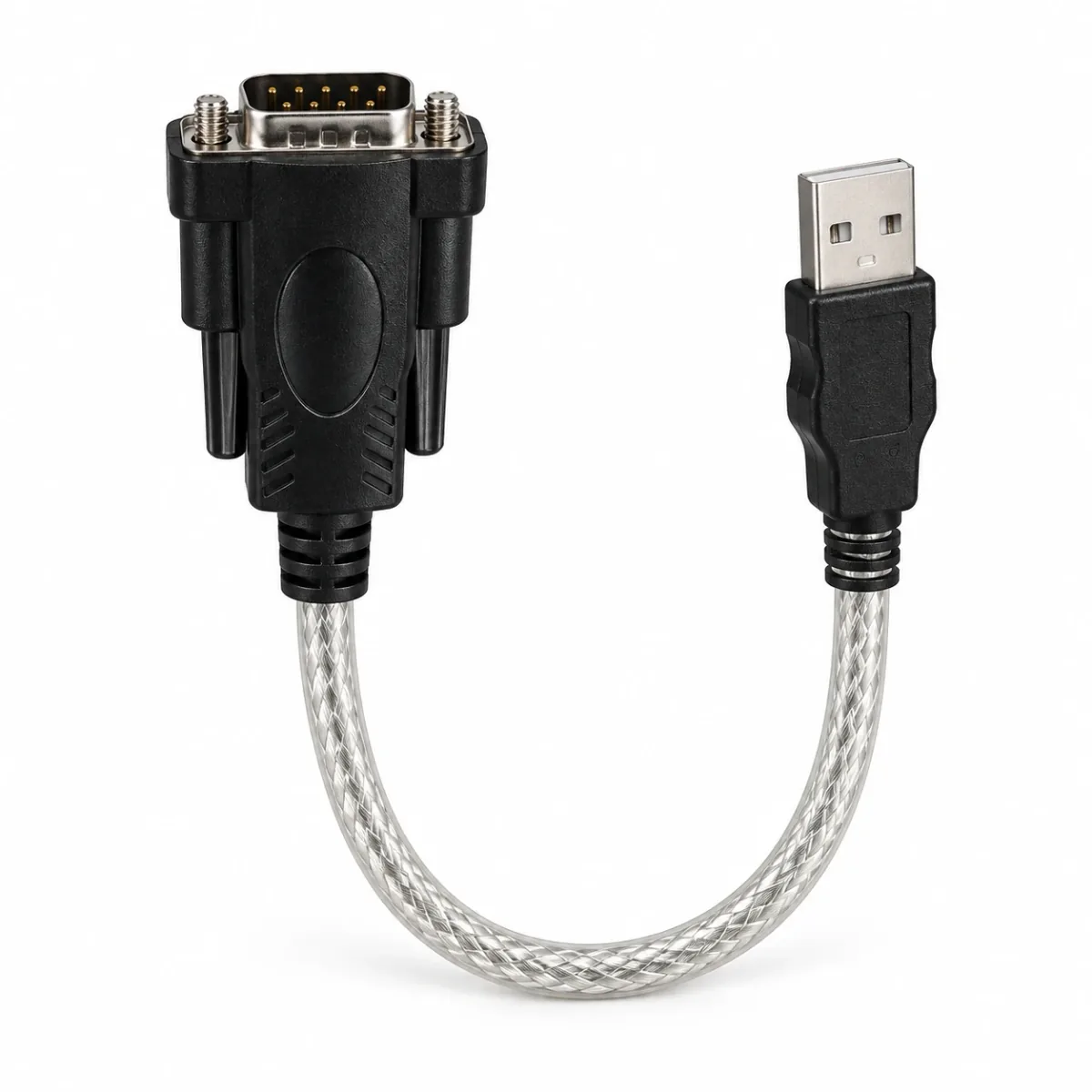
01 / GUIDE
Start at the controller
Confirm the ECU model, hardware and firmware. Use the connection method specified for that version rather than assuming that another controller with a similar port uses the same interface.
02 / GUIDE
Separate the connector from the protocol
USB, a 9-pin connector or an RS232 description does not establish complete compatibility. Physical shape, electrical level and communication protocol are separate checks.
03 / GUIDE
Check the computer side
Identify the operating system, software release and required driver. Historical support for an older Windows release does not establish compatibility with a current system.
04 / GUIDE
Tell us what you already have
List existing cables, adapters, software and the computer system. This helps distinguish a missing driver from the need for a different interface.
Checklist & example
- ECU / firmware → port / pinout → electrical protocol → interface.
- Computer OS → driver → tuning-software release.
- Record existing equipment and verify each step before connection.